
image
InventoryOct 4, 2026
How to Manage Construction Inventory in FastBuild
A practical guide to items, locations, stock movements, tool assignments, kits, project usage, reports, alerts, and permissions.
Read Full Guidearrow_forward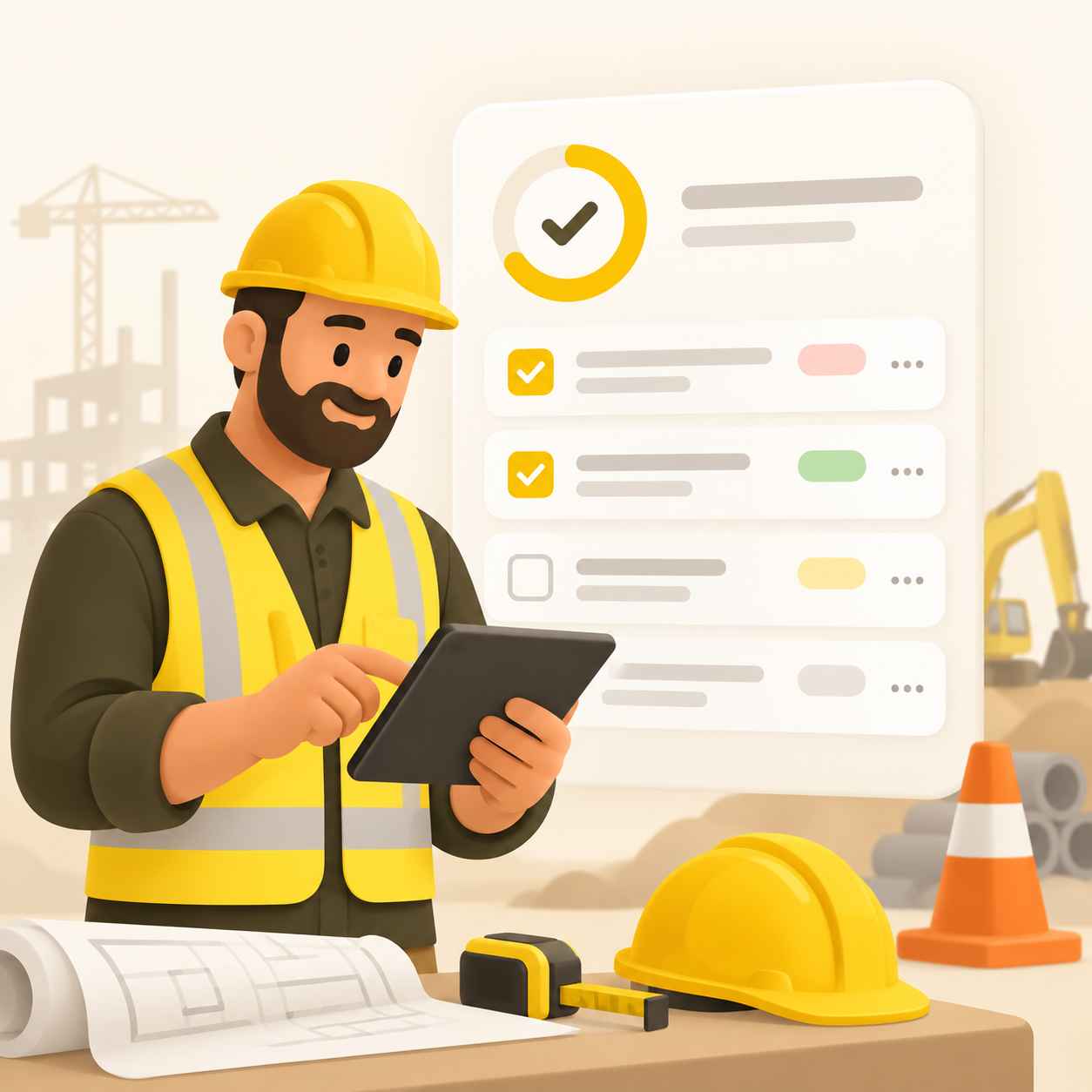
FastBuild task management lets supervisors create tasks, assign them to crew members, and track progress through a clear status workflow from to-do to done, with priorities and due dates.
Field work rarely follows a static plan, so tasks need to be easy to create, assign, and update from a phone. FastBuild gives supervisors a task list per site, with the ability to create a task, assign it to a specific crew member, set a priority and a due date, and attach a short description.
Each task moves through a defined workflow: to-do, in progress, review, and done. Workers update their tasks as they complete the work, and supervisors can see at a glance which work is moving and which work is stuck.
Tasks can be filtered by priority, status, and site, which keeps the list usable even when a company runs several projects at once. Overdue tasks are highlighted, and completed tasks feed directly into the daily report for that site, so the reporting layer and the task layer always agree.
Tasks that are no longer relevant can be deactivated instead of deleted, which preserves the history while keeping the active list clean.
For Canadian construction operations, task management in FastBuild closes the loop between planning and execution: the same data that keeps crews moving also feeds the daily report and the payroll hours review.
Close out every workday with a structured report built from real site data.
Explorearrow_forwardGive field teams a connected daily workflow: check in, work the tasks, and close the day with a report.
Explorearrow_forwardRun attendance, tasks, daily reports and payroll for a small crew without enterprise software overhead.
Explorearrow_forwardKeep field work moving with assignable tasks, priorities and a clear status workflow.
Explorearrow_forwardRun attendance, tasks and daily reporting for each job site from one place.
Explorearrow_forwardA practical guide to items, locations, stock movements, tool assignments, kits, project usage, reports, alerts, and permissions.
Read Full Guidearrow_forward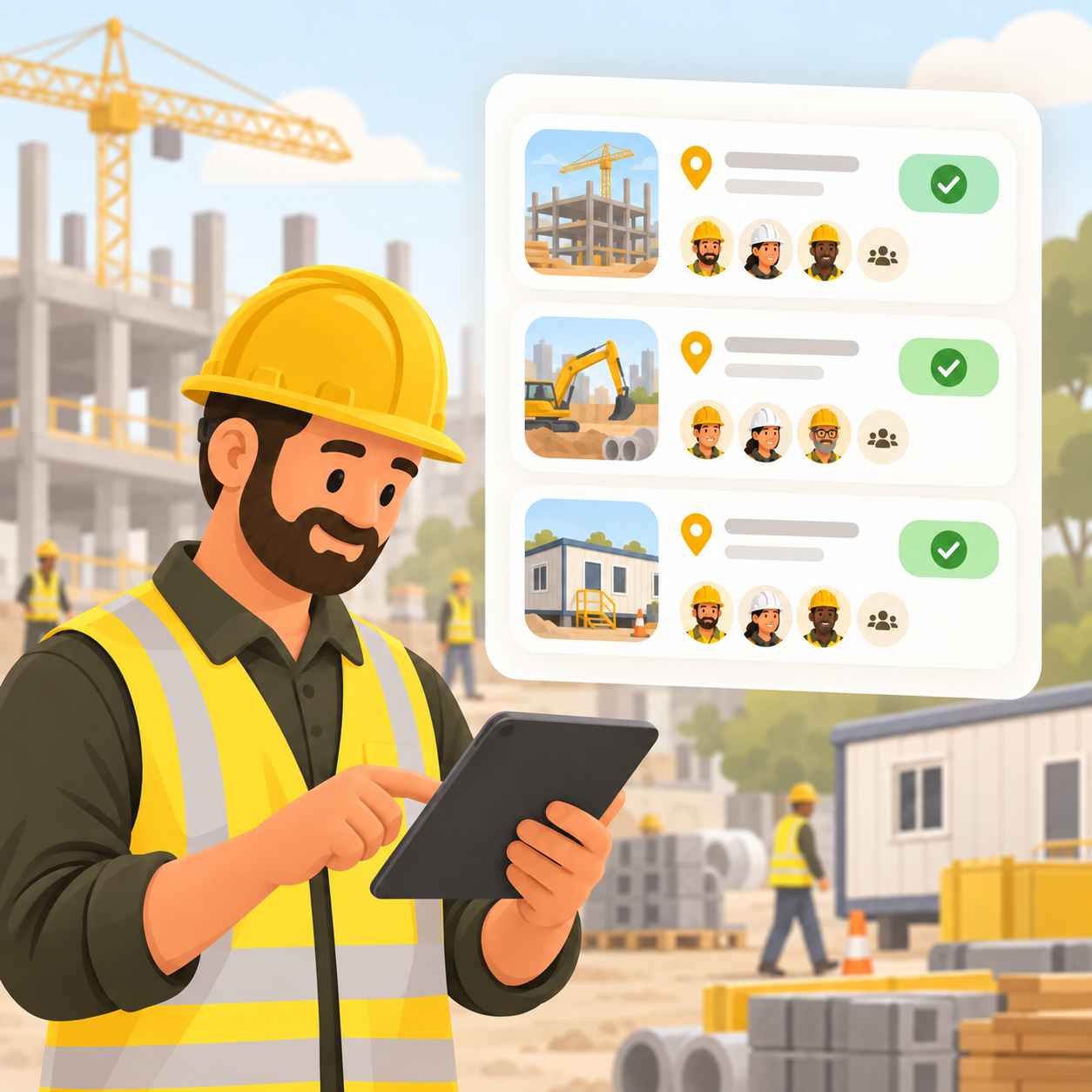
How to keep attendance, tasks, and reports organized when the company runs several sites at once.
Read Full Guidearrow_forward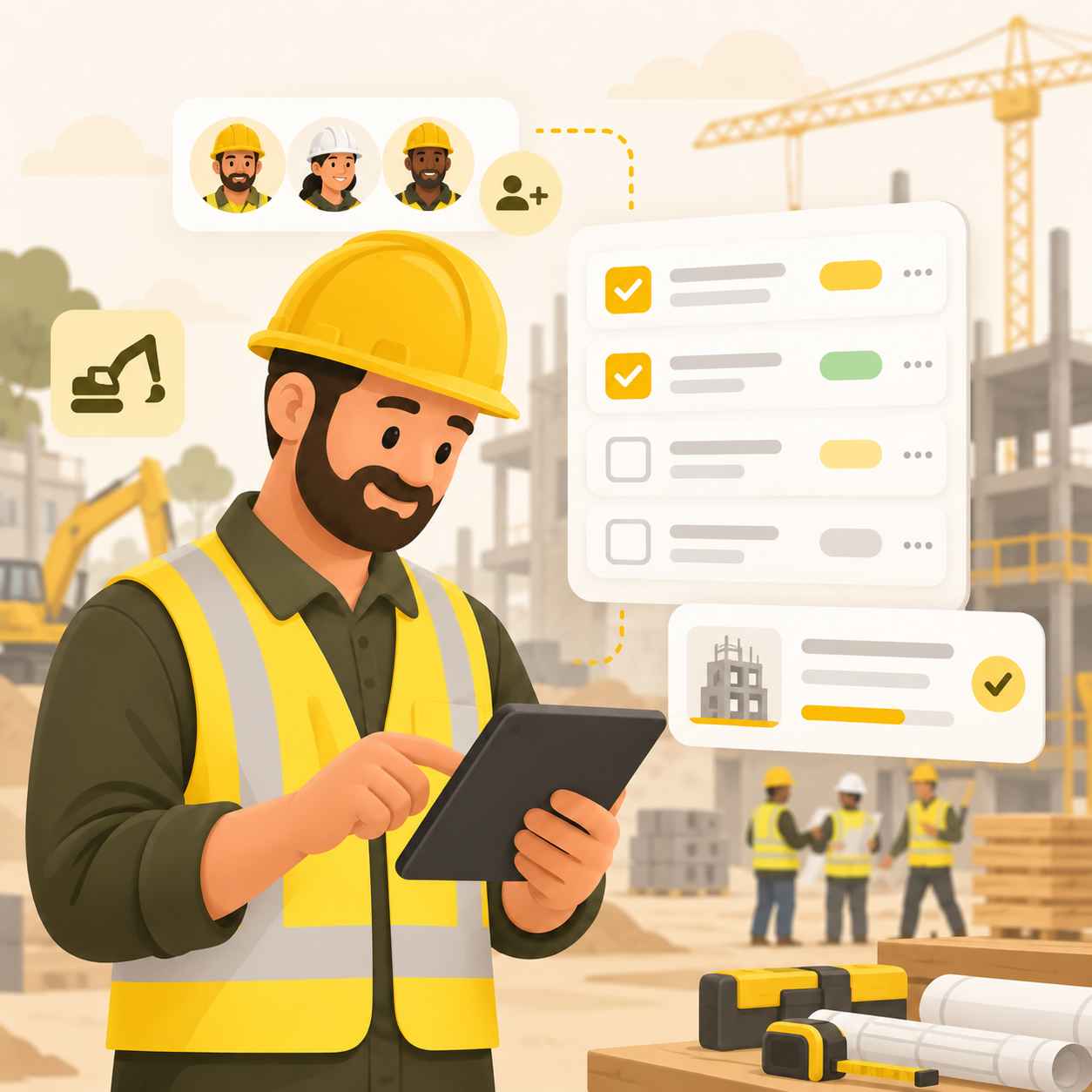
A practical system for assigning, tracking and closing field tasks so the work actually moves.
Read Full Guidearrow_forward
Why daily reports drift from the facts, and how to build them from structured site data instead of end-of-day memory.
Read Full Guidearrow_forward